 Bayview
Press kit
Facts, descriptions and images for writing about Bayview. For a license to review the app, or anything else, email support@bayview.app.
Short description
Bayview is a window manager for Mac. Drag across a grid to resize and move windows, or save grid positions as keyboard shortcuts.
Longer description
Bayview lives in the menu bar. Open its grid, drag across the cells you want a window to fill, and the window moves there. The grid can be as fine as 12 by 12, so a window can take up any block of the screen, such as the left two thirds or a narrow column on one side.
Any spot on the grid can be saved as a keyboard shortcut that works in every app, or as a single-key shortcut that works while the grid is open. Pressing a shortcut twice sends the window to the next display at the same spot. Keybinds can also grow, shrink or move the front window one grid cell at a time.
Facts
| Platform | macOS 13 Ventura and later, native on Apple silicon and Intel |
|---|---|
| Price | $3, paid once. One license covers up to 3 Macs, with free updates. |
| Free trial | 6 hours, starting the first time the app is opened |
| First released | November 5, 2024 |
| Website | bayview.app |
| Contact | support@bayview.app |
Images
Download all images (ZIP, 3.2 MB): the app icon, the Preferences window in light and dark mode, and a 1200 × 630 banner.

App icon (PNG, 1024 × 1024)
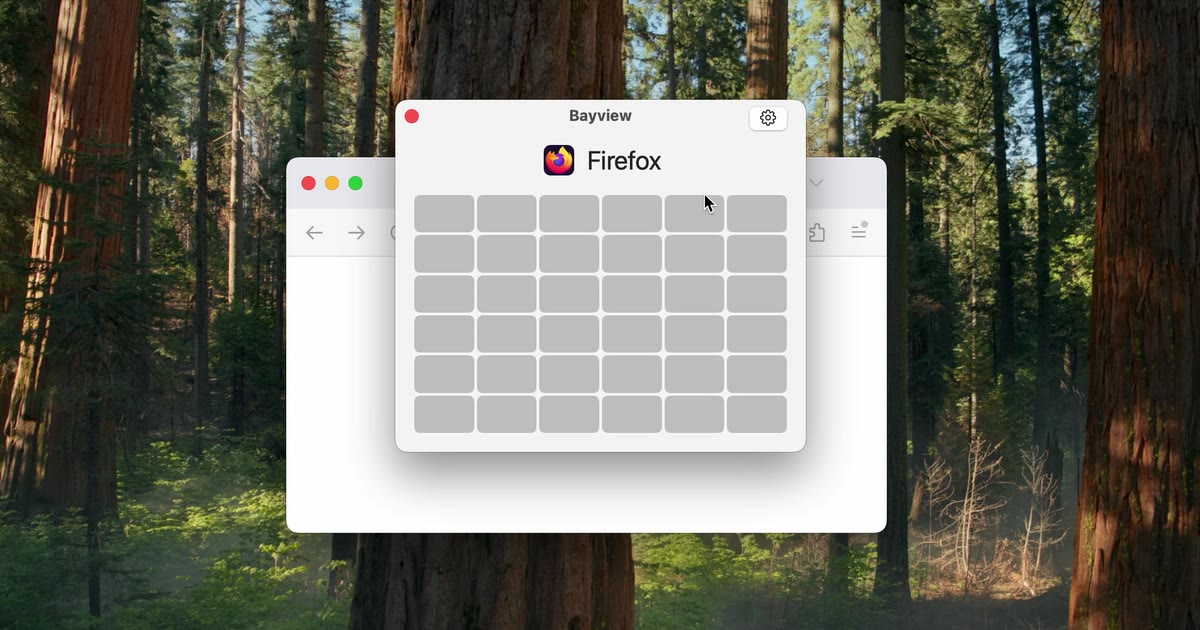
Banner (JPG, 1200 × 630)
Demo video (MP4) of a window being resized on the grid.